VPN compatibility at a glance
| Tool | Network model | With another VPN active | Main failure mode |
|---|---|---|---|
| Foldpair | Selected folders sync through an authenticated temporary relay; devices can be on different networks. | Compatible with an existing VPN; VPN-specific setup is not needed in the normal workflow. | A network that blocks outbound access to the relay; test a small file through your exact profile. |
| LocalSend | Direct transfer between nearby devices on the local network; the official site says it does not work over the internet. | Only when the VPN preserves local-network reachability and allows LocalSend traffic. | Full tunnel, kill switch, guest Wi-Fi isolation or a firewall removes local visibility. |
| Syncthing | Direct connections, with a relay fallback and optional SOCKS5, HTTP or HTTPS proxy. | May work directly; relay or proxy configuration can be required. | The VPN or corporate policy blocks discovery, direct traffic, relays or the proxy path. |
| Dropbox | Cloud service reached over the internet; the desktop app supports automatic or manual proxy settings. | Often works on a consumer VPN; managed networks can need firewall or proxy approval. | A firewall, security product or organisation policy blocks the app. |
| Tailscale | Mesh VPN that is itself the network layer. | Possible in some setups, but Tailscale says most combinations with another VPN need a workaround. | Competing firewall rules, a one-VPN limit on mobile, DNS behaviour, or address ranges that overlap 100.64.0.0/10 (the range Tailscale assigns). |
The table compares documented behaviour, not a lab benchmark. Each row says what the vendor's own documentation supports and where the usual failure sits when a VPN, a firewall or a proxy is in the path.
Split tunnel vs full tunnel: what changes for file sync
A full-tunnel VPN sends all traffic from the device through the VPN gateway. That is good for privacy on public Wi-Fi, but it also means a sync tool that looks for a neighbouring device on the local network may find nothing, because the route to that network has been replaced or blocked. Many VPN clients add a kill switch that deliberately drops traffic outside the tunnel, which includes the local LAN.
A split-tunnel VPN sends only selected traffic, such as company subnets, through the tunnel and leaves the rest on the normal route. Local discovery has a better chance there, but only if the profile does not also block local access. Which mode you are on is a property of the VPN profile, not of the sync app, so it is the first thing to find out when something fails.
- Full tunnel: internet-based sync can still work because the tunnel reaches the internet; local-network discovery commonly breaks.
- Full tunnel with kill switch: the physical LAN is typically unreachable by design.
- Split tunnel: local discovery may survive, but a company subnet that overlaps your home or office range can still misroute traffic.
- Corporate VPN: policy may add a proxy, DNS control, TLS inspection or an allow-list on top of the tunnel.
Why LAN-discovery tools break on a VPN or guest Wi-Fi
LocalSend deliberately transfers between nearby devices over the local network and does not use an internet service. Its official setup guidance requires local TCP and UDP traffic and warns that firewall rules and access-point isolation can prevent devices from seeing each other. Tools in the same family, which find a neighbour by announcing themselves on the local network, share the same dependency: if both devices cannot reach each other on that network, there is nothing to discover.
Guest Wi-Fi is the classic example without any VPN at all. Access-point isolation stops one wireless client from talking to another, so a laptop and a phone on the same guest network can both be online and still be invisible to each other. A VPN adds a second way to reach the same dead end, either by routing everything away from the LAN or by blocking it with a kill switch.
It would be inaccurate to say every VPN breaks LocalSend. The result depends on the profile, routes, firewall, interfaces, and whether both devices remain on the same reachable network. For a fuller treatment of the internet question, see does LocalSend work over the internet and the Foldpair vs LocalSend comparison.
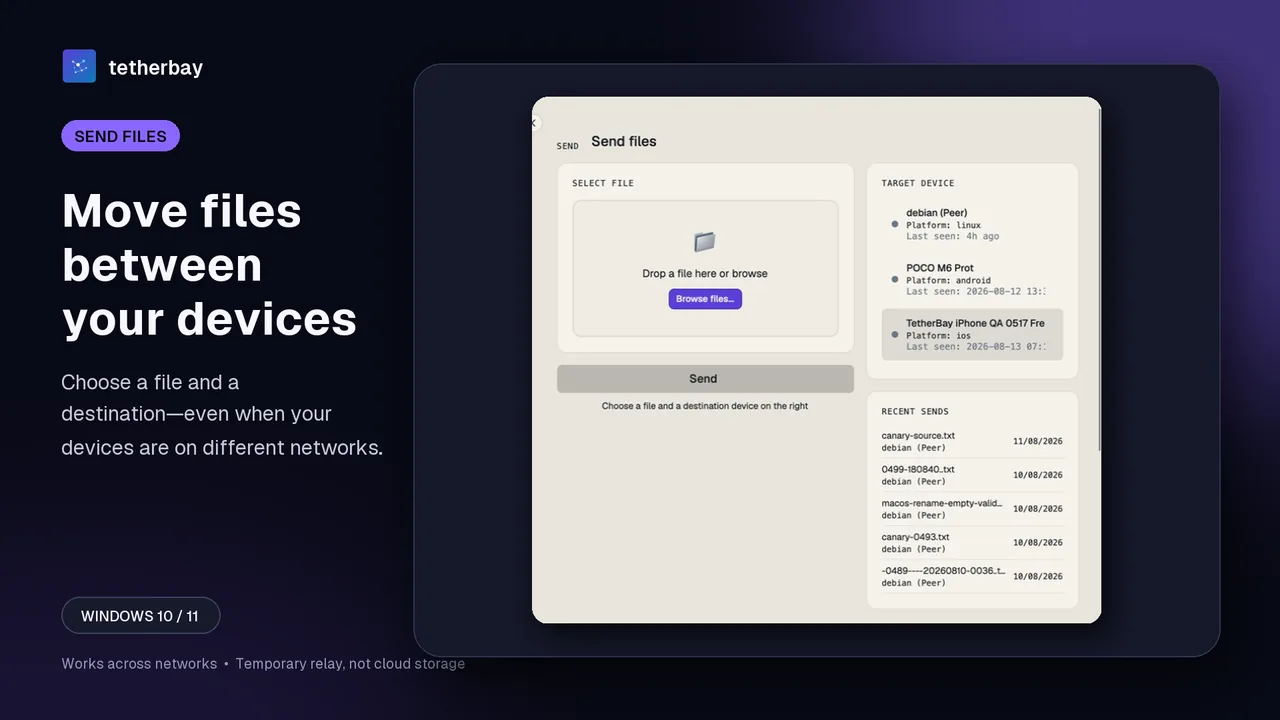
How Syncthing, Dropbox and Tailscale behave
Syncthing can try a direct connection, use its relay system when direct connectivity is unavailable, and run behind SOCKS5, HTTP or HTTPS proxies. That flexibility can make VPN coexistence possible, but it may need technical configuration and can fall back to a slower relay path. A restrictive network can still block discovery, relays or proxy traffic. Its documentation also notes limits when running behind a proxy, such as outbound-only connections. See the Foldpair vs Syncthing comparison for the sync-model differences.
Dropbox normally needs allowed access to its service rather than local peer discovery. Its desktop client supports automatic or manual proxy settings, while Dropbox's own troubleshooting documentation warns that firewalls, security software, network restrictions and some corporate proxy configurations can block installation or sync. In practice a consumer VPN is often not the problem; a managed network more often is.
Tailscale is the special case because it is itself a mesh VPN. It documents direct connections, peer relays and DERP relays, and says that most simultaneous use with another VPN needs a workaround because of aggressive firewall rules, device limitations or address conflicts. Its documented options include split-tunnel configuration and userspace networking, but iOS and Android generally allow only one active VPN at a time.
Corporate VPNs and managed networks
On a work laptop the VPN is usually not yours to change. Policy may force full tunnel, run a kill switch, send DNS to an internal resolver, inspect TLS, or restrict outbound traffic to an allow-list. Any of these can stop a sync client that works fine at home, even while the browser still loads pages.
- Ask IT whether the VPN profile is full or split tunnel and whether local-network access is allowed.
- Ask whether outbound TLS to unfamiliar hostnames is allowed, or whether an allow-list applies.
- Do not work around a policy by installing a second VPN or changing proxy or DNS settings on your own; get approval for the exact change.
- Keep personal and company data in separate folders, and sync only the folders you are permitted to move.
Under Foldpair's approach, selected folders are encrypted on the device with AES-256-GCM before relay transport, transport is additionally protected with TLS, and the relay handles ciphertext while keys stay on participating devices. The relay does still see file names and sizes, which matters if a security team asks what leaves the device. The encryption page and the relay help article describe the details.
Where Foldpair fits
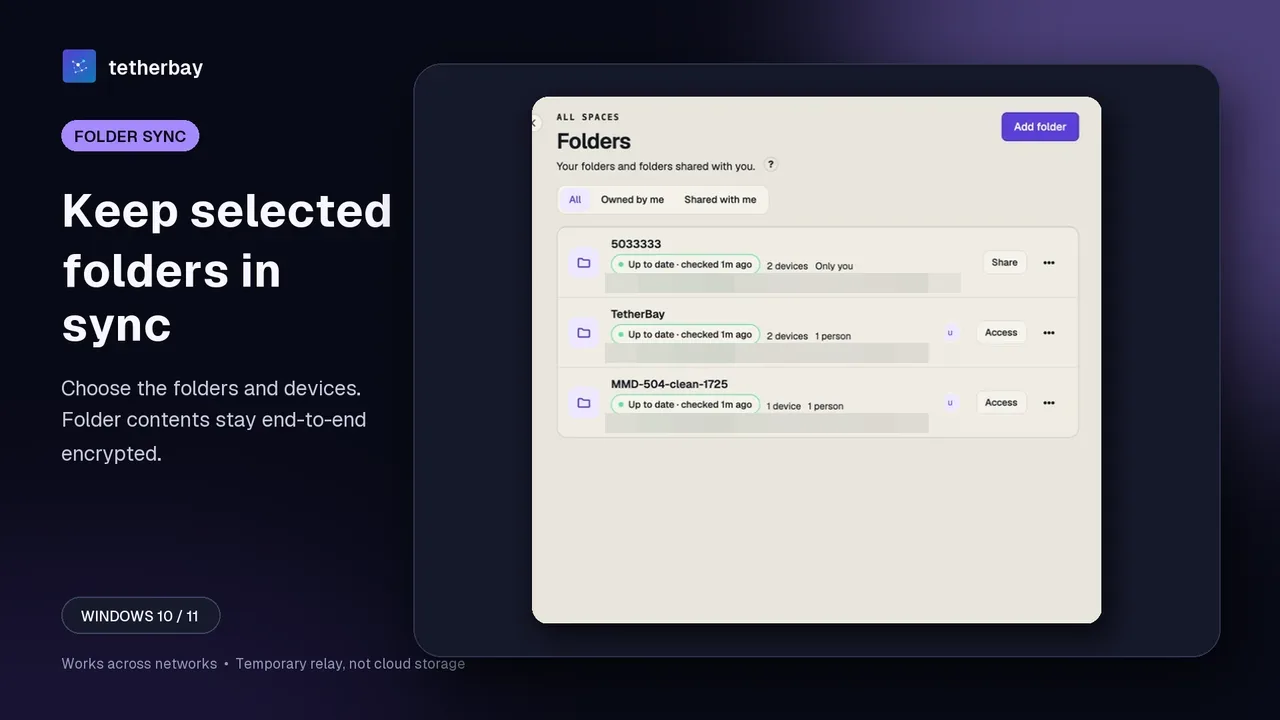
Foldpair synchronizes selected folders between participating devices through an authenticated temporary relay, so it does not depend on both devices seeing the same Wi-Fi broadcast domain. It is designed to work across different networks and is compatible with an existing VPN, which means switching your VPN on or off does not add a Foldpair configuration step. If one device is offline, changes wait on the relay in encrypted form and are delivered when it returns, within the relay retention period.
The relay is not a cloud-storage product with its own file browser or storage plans; it carries encrypted sync data between your devices. There is no published first-party benchmark for sync speed under a VPN yet, so this page makes no speed claims. How the pieces fit together is explained in how Foldpair works, and the different-networks use case walks through the scenario step by step.
Troubleshooting table: symptom, likely cause, fix
| Symptom | Likely cause | Fix |
|---|---|---|
| LAN tool finds no devices once the VPN is on | Full tunnel or kill switch hides the local network. | Check whether the profile allows local-network access; otherwise use a tool that does not rely on local discovery, or disconnect the VPN if your policy allows. |
| Devices on the same guest Wi-Fi cannot see each other | Access-point isolation blocks client-to-client traffic. | Use a non-isolated network, or a tool that syncs through a relay instead of local discovery. |
| Sync works at home but not on the office VPN | Policy adds a proxy, DNS control, allow-list or TLS inspection. | Ask IT for the exact allowance needed; do not change proxy or DNS settings on your own. |
| Tailscale and another VPN fight on a phone | Mobile operating systems generally allow one active VPN. | Pick one VPN per device, or follow Tailscale's documented workarounds. |
| Syncthing falls back to a slow path | Direct connection is blocked, so it uses a relay. | Fix reachability, or accept the documented relay trade-off. |
| Dropbox will not sign in on a managed network | Firewall or security software blocks the app. | Follow Dropbox's firewall guidance and ask the administrator to allow it. |
| Foldpair shows a device as not up to date | The other device is offline or the network blocks outbound access to the relay. | Check status as described in check sync status; changes wait on the relay until the device returns. |
Set up Foldpair with a VPN in 2 minutes
- Install Foldpair on each desktop from the download page and sign in to the same account.
- Pair the devices as described in device pairing.
- Add the folder you want to keep in sync and choose which devices receive it.
- Put a small test file in the folder first, and keep a separate backup of irreplaceable data until you have seen the first transfer arrive.
- Connect your VPN as usual and confirm the same test file still syncs; then move on to real files.
Android supports one-off file transfers rather than folder sync, and there is no public iOS release yet. Windows, macOS and Linux desktops are available, and there is a free plan with no credit card needed to download.
When to choose which tool
- Choose LocalSend when both devices share a normal local network, you want nothing to leave it, and neither a VPN nor isolated Wi-Fi is in the way.
- Choose Syncthing when you are comfortable configuring connections, proxies and relays and want that control.
- Choose Dropbox when a cloud service reachable from anywhere is what you want and your network allows it.
- Choose Tailscale when you want a mesh VPN as the network layer itself and can manage coexistence with other VPNs.
- Choose Foldpair when you need selected folders and clipboard kept in sync across different networks, with an existing VPN left alone.
Frequently asked questions
Does file sync work when my VPN is on?
It depends on how the tool finds its peer. Services reached over the internet usually keep working through the tunnel, while local-network tools often lose sight of nearby devices under a full-tunnel VPN or kill switch. Foldpair is compatible with an existing VPN.
Why does LocalSend not see my other device with a VPN on?
LocalSend relies on the local network. A full-tunnel profile, a kill switch, a firewall or access-point isolation can stop the devices reaching each other, so discovery finds nothing. Its official guidance requires local TCP and UDP traffic.
Does guest Wi-Fi block file sync?
Guest networks often use access-point isolation, which prevents one client from talking to another. Local-discovery tools fail there even without a VPN. A relay-based tool such as Foldpair does not need the two devices to see each other directly.
Do I need to configure anything in Foldpair for a VPN?
VPN-specific setup is not part of the normal workflow. Test a small file through your exact VPN profile before relying on it, and keep a separate backup of irreplaceable data. See device pairing for the standard setup.
Is my data protected if it passes through the relay?
Folder contents are encrypted on the device with AES-256-GCM before relay transport, and transport is additionally protected with TLS. The relay handles ciphertext, but it can see file names and sizes. See the encryption page.
Is there a benchmark of sync speed over a VPN?
Not yet. There is no published first-party benchmark for Foldpair under a VPN, so this guide compares documented architecture and support boundaries rather than speeds.
Method and limits
Competitor statements come from the first-party documentation listed below; the LocalSend, Syncthing, Dropbox and Tailscale sources were last opened on October 14, 2026. Foldpair statements come from the approved product fact set reviewed on November 15, 2026. VPN clients and managed-network policies vary, so the honest answer is conditional on the exact profile and network.
Related guides and comparisons
Sources and related reading
- LocalSend official repository — official local-network model, TCP and UDP port guidance, firewall requirements, and access-point-isolation warning; checked October 14, 2026.
- LocalSend official site — official statement that transfers stay on the local network and do not work over the internet; checked October 14, 2026.
- Syncthing — Using Proxies — official SOCKS5, HTTP, and HTTPS proxy support and outbound-only limitations behind a proxy; checked October 14, 2026.
- Syncthing — Relaying — official relay fallback behavior and performance trade-off; checked October 14, 2026.
- Dropbox — Connect the desktop app to a proxy server — official automatic and manual desktop proxy configuration; checked October 14, 2026.
- Dropbox — Allow firewall and security permissions — official warning that firewalls and security software can block Dropbox login and sync; checked October 14, 2026.
- Tailscale — Can I use Tailscale alongside other VPNs? — official coexistence limits, causes of conflicts, mobile one-VPN restriction, and workarounds; checked October 14, 2026.
- Tailscale — Using Tailscale with your firewall — official direct, peer-relay, and DERP behavior plus documented firewall-specific limits; checked October 14, 2026.