At a glance
Comparing Foldpair and Dropbox starts with one architectural boundary: is a provider's cloud storage the home of your files, or does a temporary relay pass encrypted changes between your own devices? The table uses Foldpair's product facts and the Dropbox pages cited below, fetched on November 16, 2026; where those pages are silent, the cell says so.
| Criterion | Foldpair | Dropbox |
|---|---|---|
| Core storage model | Working files live on participating devices; the authenticated temporary relay is not cloud storage. | Files are stored on Dropbox's servers and reachable from dropbox.com and its apps. |
| End-to-end encryption (E2EE) | Folder and clipboard contents encrypted on device with AES-256-GCM before they reach the relay; keys remain on participating devices. | Dropbox's security page describes TLS in transit and 256-bit AES at rest. Its help page says E2EE is available for encrypted team folders on Business Plus, Advanced, and Enterprise. |
| Visible metadata | The relay cannot open encrypted contents, but does see file names and sizes (and clipboard type, source device, and time). | Dropbox says that in encrypted team folders file content is always encrypted, but metadata remains visible in plain text. |
| Free plan storage / buffer | Free plan ($0 forever) includes a 1.5 GB in-flight relay buffer (10 GB on Pro); the relay is not storage for your library. | Dropbox Basic (free) offers 2 GB of storage. |
| Free plan device limit | No device cap is stated in the Foldpair facts this page relies on. | Dropbox Basic lets you connect up to 3 devices. |
| Shared folder storage quota | Files stay on members' local disks; the relay is not cloud storage with storage plans. | Dropbox states shared folders use space in each member's account unless each person is on the same Dropbox team. |
| Delta synchronization | Desktop app uploads FastRsync binary deltas when an earlier file version is known. | Delta synchronization: Not covered by the docs we cite. |
| Offline delivery | Changes wait on the relay in encrypted form and are delivered when the device reconnects, within a retention period that depends on your plan. | Offline delivery to a device: Not covered by the docs we cite. |
| Clipboard sync | Text and images sync between your own devices with AES-256-GCM encryption and per-device switches. | Clipboard sync: Not covered by the docs we cite. |
| Web access and file previews | None; the relay has no file browser by design. | Dropbox Basic lists previews of over 175 file types and deleted-file recovery and version history of 30 days; the Plans page lists 30 days (Plus), 180 days (Standard) and 1 year (Advanced). |
| Platforms | Windows, macOS (Apple Silicon and Intel), Linux (x64 and arm64); Android one-off file transfers; no public iOS release yet. | Web (dropbox.com) and mobile are mentioned on the pages we cite; a per-operating-system list is not covered by the docs we cite. |
Permanent cloud drive vs. temporary encrypted relay
Dropbox is a hosted cloud service. Its security documentation says its services handle both metadata and raw block storage, and its pages describe access from dropbox.com and from mobile, so your files exist on Dropbox's servers independently of any one of your computers. Dropbox's Basic page lists previews of over 175 file types, and its Plans page lists deleted-file recovery of 30 days on Plus, 180 days on Standard and 1 year on Advanced.
Foldpair is intentionally not a cloud-storage product. Your working folders live on your participating computers' local drives, and the authenticated temporary relay acts as an encrypted pass-through buffer (1.5 GB in flight on Free and 10 GB on Pro). Once all participating devices pull down the changes, or when the retention period for your plan ends, the relay drops its temporary copy (see relay help). You do not browse your files on a vendor web portal, because the relay is not meant to serve as a long-term archive.
Standard cloud encryption vs. device-side AES-256-GCM
Many people assume "256-bit AES encryption" in cloud marketing means the provider cannot read their files. Dropbox's security page describes TLS in transit and 256-bit AES for files at rest; that page does not describe who holds the keys, so it does not by itself say Dropbox cannot read your files.
Dropbox does offer end-to-end encryption, where files are encrypted on the user's device before they reach Dropbox's servers and only folder members hold the keys, for encrypted team folders. Its help page says this is available for teams on Dropbox Business Plus, Advanced, and Enterprise. Even then, Dropbox states: "File content is always encrypted, but metadata remains visible in plain text." It also says admins can create recovery keys, and that features such as server-side previews, search indexing and shared links are limited for these folders.
Foldpair encrypts selected folder contents and clipboard payloads on your device with AES-256-GCM before they reach the relay, plus TLS on the transport connection. Keys stay on participating devices, so the relay handles ciphertext only. Foldpair is candid about metadata, as Dropbox is for encrypted team folders: the relay still sees file names and file sizes, and for clipboard items the type, source device, and time. Review how Foldpair encryption works and Foldpair security to confirm that boundary fits your threat model.
Storage quotas, the 3-device Basic limit, and team sharing
Dropbox's Basic page lists 2 GB of storage and up to 3 connected devices. For collaboration, Dropbox's storage help states that shared folders use space in each member's account unless each person is on the same Dropbox team. In practice, by that rule a 5 GB shared folder would not fit in a free 2 GB Basic account.
Foldpair's relay is not cloud storage with storage plans, so a shared folder does not count against a per-member cloud quota; members keep working copies on their own devices. The constraint to understand is Foldpair's in-flight relay buffer: 1.5 GB on Free and 10 GB on Pro. A single file larger than the available buffer space waits in the queue until receiving devices download pending items; the relay buffer guide explains how to get it moving, including excluding very large files that do not need to sync.
Set up Foldpair for private folder sync
- Download Foldpair on your Windows, macOS, or Linux computers (no credit card required for the Free plan).
- On a device already signed in, choose Add another device, then on the second computer scan the QR code, open the link, or paste the link or 6-digit code. See the device pairing help guide.
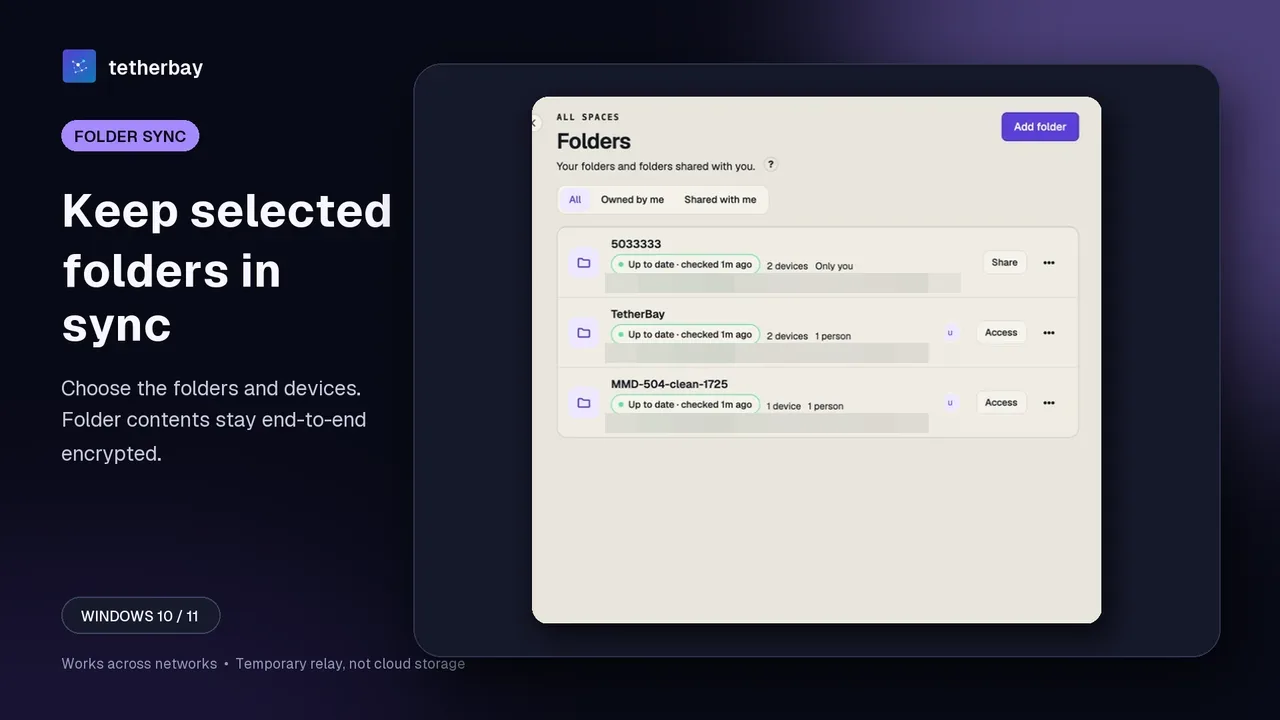
- Click Add folder on your primary machine and select only the directories you want synchronized; leave OS-wide backups separate.
- In the folder's devices panel, turn on each other device that should keep a copy (selective sync), or invite collaborators as Editor or Reader.
- Test with a small harmless file first, confirm it arrives intact on the destination device, and maintain an independent backup of irreplaceable data since sync mirrors edits and deletions.
- Use check sync status to see whether your devices agree on a folder.
When Dropbox is the better choice
Dropbox is far stronger when you want a cloud copy rather than device-to-device synchronization. If your laptop dies and you have no local backup, Dropbox's servers still hold your files, with deleted-file recovery and version history (30 days on Basic and Plus, up to 1 year on Advanced). Dropbox also wins whenever you need browser access from borrowed computers or previews of over 175 file types (per its Basic page).
For larger organizations seeking centralized controls, admin-managed recovery keys for encrypted team folders on Dropbox Business Plus, Advanced, or Enterprise are documented by Dropbox; other compliance features are not covered by the docs we cite, so check Dropbox's plans before relying on them.
When Foldpair is the better choice
Choose Foldpair when you do not want your working folders stored on a third-party cloud drive and want device-side AES-256-GCM encryption before payloads reach the relay. Foldpair also fits when you share folders with clients who should not need cloud storage space for them, or want clipboard text and images to sync between your own computers.
Method, sources, and FAQ
Dropbox claims on this page were checked on November 16, 2026 against Dropbox's security overview, encrypted team folders help page, Dropbox Basic page, plans page, and shared-folder storage help article. No head-to-head speed benchmark has been run; this comparison evaluates documented architecture, encryption boundaries, and plan constraints, and says "Not covered by the docs we cite" where those pages are silent.
Is Dropbox end-to-end encrypted on free or personal plans?
Dropbox's security page describes TLS in transit and 256-bit AES at rest, and its help page says end-to-end encryption is available for encrypted team folders on Business Plus, Advanced, and Enterprise. The pages we cite do not describe end-to-end encryption on other plans.
Does Foldpair replace my cloud backup if I switch from Dropbox?
No. Foldpair's relay is temporary and is not a cloud-storage or backup service. Always keep an independent backup of irreplaceable data, because folder synchronization copies edits and deletions across devices.
Does the Dropbox Basic 2 GB limit apply to Foldpair?
No. Foldpair is not a cloud-storage product, so Dropbox's 2 GB storage figure does not apply. Foldpair's Free plan has a 1.5 GB in-flight relay buffer (10 GB on Pro), so a single file larger than the free buffer space waits in the queue.
Can Dropbox see file names inside encrypted team folders, and what does Foldpair see?
Dropbox documents that inside encrypted team folders, file content is encrypted while metadata remains visible in plain text. Similarly, Foldpair's relay cannot open AES-256-GCM file contents, but does see file names and sizes.
Does Foldpair work on iPhone or full Android folder sync like Dropbox?
Not yet for full mobile folder sync. Foldpair supports Windows, macOS, and Linux desktops plus one-off file inbox/outbox transfers on Android, with no public iOS release yet.
Does sharing a Foldpair folder force my client to pay for storage?
No. Foldpair's relay is not cloud storage with storage plans, so there is no per-member cloud quota; invited Editor or Reader members keep working copies on their own devices.
Related guides and comparisons
Sources and related reading
- How Dropbox keeps your files secure — Dropbox Help — TLS in transit, 256-bit AES at rest, and services that handle both metadata and raw block storage; checked November 16, 2026.
- Encrypted team folders: an overview — Dropbox Help — E2EE for teams on Dropbox Business Plus, Advanced and Enterprise; file content encrypted but metadata visible in plain text; recovery keys; limited server-side previews and search; checked November 16, 2026.
- Dropbox Basic — Dropbox Basic: 2 GB, up to 3 devices, 30-day deleted-file recovery and version history, previews of over 175 file types; checked November 16, 2026.
- Dropbox Plans — Plan prices and deleted-file recovery windows: 30 days (Plus), 180 days (Standard), 1 year (Advanced); E2EE listed under Advanced; checked November 16, 2026.
- Do shared folders count against my storage space? — Dropbox Help — shared folders use space in each member's account unless each person is on the same Dropbox team; checked November 16, 2026.
- How Foldpair encryption works — first-party explanation of device-side AES-256-GCM encryption and visible relay metadata; checked November 16, 2026.
- Foldpair relay help — first-party documentation of the temporary relay buffer (1.5 GB Free / 10 GB Pro) and non-cloud-storage design; checked November 16, 2026.