Why an Obsidian vault behaves differently from ordinary documents
According to Obsidian's official documentation on data storage, every vault is a local folder containing .md plain-text notes, embedded attachments such as PDFs or images, and a hidden .obsidian subfolder holding workspace layouts, hotkeys, themes, and community plugin JSON files. Because Obsidian reads and writes directly on the local file system, any delay or placeholder eviction underneath the open vault shows up immediately inside the editor.
Moving a vault into Dropbox, OneDrive, or iCloud Drive introduces two common headaches documented in Obsidian's sync guides. First, on-demand cloud placeholders evict local files to save disk space, stalling graph indexing or plugin startups until every note downloads again, and Obsidian's docs specifically warn against running iCloud Drive on Windows alongside Apple devices due to file duplication and corruption bugs. Second, storing private journals, research notes, or client meeting logs inside a consumer cloud drive leaves a permanent copy on vendor storage servers.
Four ways to sync an Obsidian vault across computers
| Approach | Where vault files live | Encryption & key custody | Works when one PC sleeps? | Mobile vault sync |
|---|---|---|---|---|
| Obsidian Sync (official add-on) | Local disks plus Obsidian's remote vault servers | End-to-end AES-256 option with user password; per-note version history | Yes | Full iOS and Android vault sync |
| Consumer cloud drive (Dropbox, OneDrive, iCloud) | Vendor cloud storage plus local cache (must pin offline) | Provider-managed keys at rest on standard personal tiers | Yes | Varies by OS; iCloud on Windows is discouraged by Obsidian docs |
| Syncthing | Local disks only | TLS in transit between mutually approved Device IDs | Only while at least two synced peers are online together | Community Android client; no official iOS app |
| Foldpair | Local disks in place; transient ciphertext on an authenticated temporary relay | AES-256-GCM on the device before upload (on by default for owned folders once all devices support it); relay sees filenames and sizes | Yes, queued within plan retention (24h Free, 7d Pro, 30d Team) | Desktop folder sync only; Android is one-off file transfer, iOS not yet released |
Choose by which devices open your vault every day. If editing notes on an iPhone or Android tablet on the train is half your workflow, pay for official Obsidian Sync: it understands .obsidian settings granularly and ships native mobile vault sync. When your writing happens across a Windows workstation, a MacBook, and a Linux desktop and you want zero permanent cloud storage, Foldpair pairs the local vault folder where it already sits.
How Foldpair encrypts and queues Markdown edits
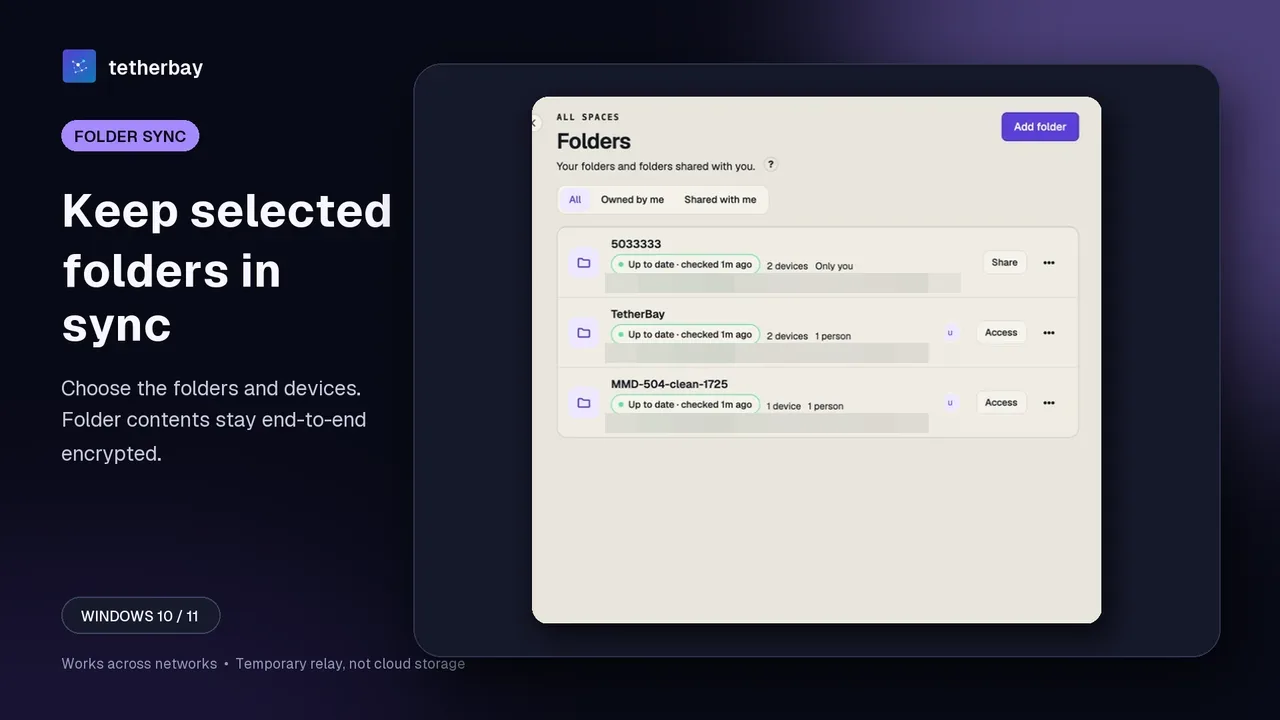
When you add a vault folder that your desktop owns, Foldpair enables end-to-end encryption automatically once every device in that folder supports it. Each .md note and attachment is sealed on your machine with AES-256-GCM before leaving over TLS, while decryption keys remain on your participating computers (how encryption works). A folder where end-to-end encryption was never enabled, or that includes a device lacking support, syncs as plaintext, so verify encryption status in the folder view.
In an end-to-end encrypted folder, Foldpair re-encrypts and uploads each modified file in full rather than sending a FastRsync binary delta (delta uploads apply strictly to folders without end-to-end encryption). For Obsidian vaults, full-file uploads cost almost nothing: a 6 KiB Markdown note re-uploads in milliseconds, and embedded PDFs or images stay well inside the relay's 1 GiB per-file ceiling (slightly under 1 GiB of original file size after the encryption envelope).
If you finish writing daily notes on a Windows PC at night and shut it down, the encrypted changes wait on the authenticated temporary relay and download when you open your MacBook the next morning. Relay retention spans 24 hours on Free, 7 days (168 hours) on Pro, and 30 days (720 hours) on Team, up to an in-flight buffer of 1.5 GiB on Free, 10 GiB on Pro, and 30 GiB on Team (relay help). Once every participating desktop confirms delivery, the relay deletes its transient copy.
Note filenames, .obsidian churn, and conflict copies
- Filename visibility on the relay. While the relay cannot open encrypted Markdown contents, it does see file names and sizes. Because Obsidian uses the note title as the
.mdfilename by default, naming a noteacquisition-offer-acme-corp.mdexposes that filename to the relay. Use Zettelkasten timestamps (202611180930.md) or neutral slugs for sensitive topics and keep full titles inside YAML frontmatter or# Headinglines, which travel inside the AES-256-GCM ciphertext. - Workspace file churn. Obsidian updates
.obsidian/workspace.jsonwhenever you switch panes or scroll. Let one desktop finish syncing before opening the same vault on a second computer so both machines agree on the latest state. - Simultaneous offline edits. If you edit the same note on two laptops before either reconnects, Foldpair never overwrites your prose silently: the second machine preserves its local edit alongside the synced note as
<name>.conflict-<stamp>.md(conflict resolution), which you can compare side by side right inside Obsidian. - Cross-OS filename rules. Windows forbids
: ? * " < > | \ /in filenames, whereas macOS and Linux allow colons and question marks. Keep note titles free of Windows-reserved punctuation so every file writes cleanly across NTFS, APFS, and ext4.
Platform boundaries and backup discipline
Be clear on device scope before migrating a daily vault. Foldpair provides desktop folder sync on Windows, macOS (Apple Silicon and Intel), and Linux (x64 and arm64), linking up to 2 devices on Free ($0, no credit card required), 5 on Pro, and 10 on Team. The installable Android app handles one-off file inbox and outbox transfers rather than folder synchronization—handy for sending a single exported PDF or Markdown note from your phone, not for syncing an entire vault—and no publicly installable iOS release is available yet.
Pair an Obsidian vault in five steps
- Close Obsidian briefly on both computers and copy an independent backup of your vault directory to a separate local folder.
- Download Foldpair on your Windows, macOS, or Linux desktops and sign in on the primary computer.
- Click Add another device on computer one and enter the six-digit code, link, or QR scan on computer two (device pairing help).
- Choose Add folder, select your existing Obsidian vault directory in place (confirming it sits outside OneDrive, Dropbox, or iCloud Drive), and enable the second desktop in the folder's Devices panel (selective sync).
- Create a small test note named
sync-check.md, confirm it appears intact on the second computer via check sync status, and then reopen Obsidian.
Frequently asked questions
Can the Foldpair relay read my Obsidian Markdown notes?
Not when folder end-to-end encryption is enabled (on by default for folders your desktop owns once all participating devices support it). Note contents are encrypted on your computer with AES-256-GCM before upload and keys stay on your devices, though the relay does see file names and file sizes.
Does Foldpair sync my Obsidian vault to iPhone or Android?
No. Continuous folder sync runs on Windows, macOS, and Linux desktops only. The Android companion app supports one-off file inbox and outbox transfers rather than folder sync, and there is no public iOS release yet. Use official Obsidian Sync if you need live mobile vault access.
What happens if I edit the same note offline on both my Windows PC and Mac?
Both edits survive. Whichever version reaches the relay first keeps the original .md name, and the other computer saves its conflicting local edit alongside it as a .conflict- Markdown file so you can merge paragraphs manually.
Do both computers need to be awake on the same Wi-Fi network?
No. Foldpair is designed to work across different networks and alongside an active VPN. Edits made while your other desktop is powered off wait on the relay as ciphertext and download when it reconnects, within your plan's retention window (24 hours on Free, 7 days on Pro, 30 days on Team).
Related guides and comparisons
Sources and related reading
- Obsidian Help: How Obsidian stores data — Documents local Markdown vault folders and the .obsidian configuration subfolder.; checked November 18, 2026.
- Obsidian Help: Sync your notes across devices — Documents Obsidian Sync capabilities, third-party cloud caveats including iCloud on Windows, and warnings against mixing sync services.; checked November 18, 2026.
- Microsoft Learn: Naming files, paths, and namespaces — Lists reserved characters on Windows file systems when naming cross-platform Markdown files.; checked November 18, 2026.
- How Foldpair encryption works — Details device-side AES-256-GCM encryption, key custody, and metadata visible to the relay.; checked November 18, 2026.
- Foldpair relay help — Covers per-plan relay buffers, retention windows, 1 GiB file ceiling, and offline delivery.; checked November 18, 2026.
- Foldpair conflict resolution help — Explains how .conflict copies preserve simultaneous edits side by side.; checked November 18, 2026.